
Image Upscaling
Free AI image upscaling that runs on your own device. Pick a photo, choose 2x, 4x or 4K, and download a sharper, larger copy. No sign-up.
or drop / paste an image here · JPG, PNG, WebP up to 20 MB
Runs in your browser. Your image is never uploaded.

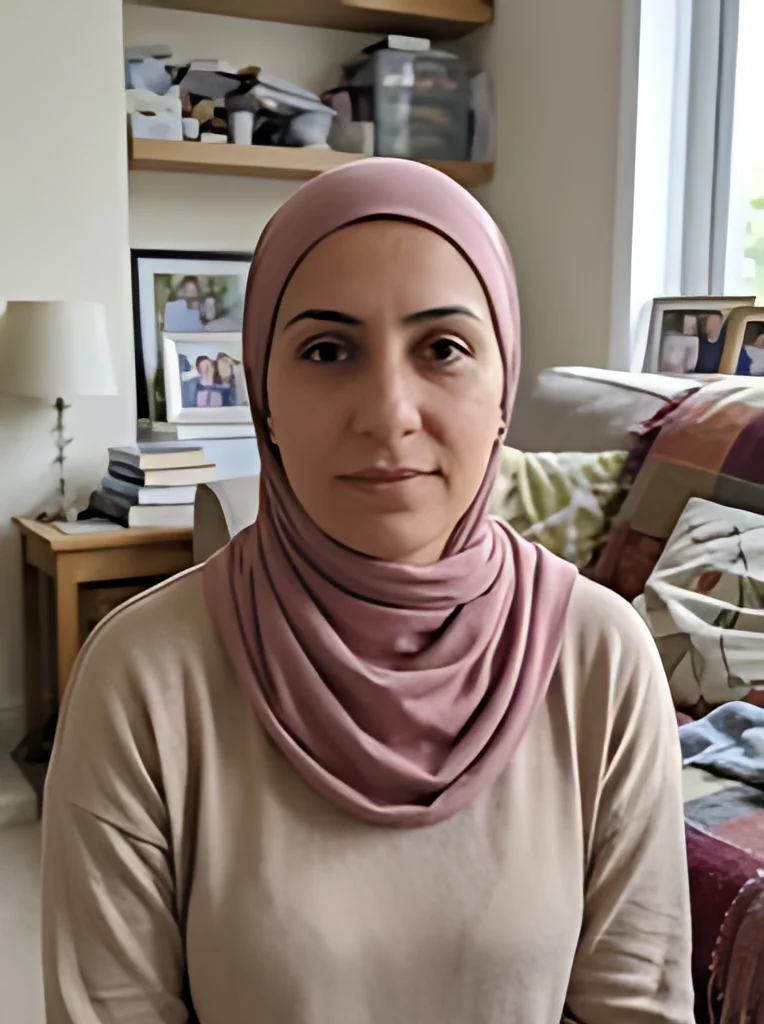 BeforeAfter
Examples
BeforeAfter Before
 After
What is AI image upscaling?
Image upscaling makes a picture bigger: more pixels in width and height. Plain resizing just stretches the pixels you already have, so edges turn soft and blocky. An AI upscaler works differently. A neural network trained on pairs of small and large photos looks at the edges, textures and noise in your picture and predicts the new pixels.
This image upscaling tool uses an open-source AI model built for real-world photos with blur, noise and JPEG blocks, and it sizes the result to exactly 2x, 4x or 4K. The new detail is the model's best guess, not detail the camera captured, so it looks sharper but is never the same as a photo taken at that size.
Made for
- Small photos you want to print or share
- Product shots for online listings
- Screenshots and web images
- Old digital photos from early phones
- Thumbnails that need a bigger version
How to upscale an image online
Three steps, all in this browser tab, and your image is never uploaded.
- 1
Pick your image
Choose a JPG, PNG or WebP up to 20 MB. iPhone HEIC files aren't supported, so export them as JPG first.
- 2
Choose 2x, 4x or 4K
2x doubles the width and height and 4x quadruples them. 4K sets the long side to 3840 pixels and keeps your proportions, with no crop and no borders.
- 3
Compare and download
Drag the before/after slider to check faces, text and edges against the original, then download the result. To get a JPG instead of a PNG, turn on Save as JPG and press Upscale again.
Why upscale images here
This image upscaling tool does the work on your device.
Your photo stays on your device
Your image is upscaled on your own device and is never uploaded to our servers. The model runs inside your browser. No AI service ever sees the file.
Free, with no daily cap
There are no credits, no queue and no sign-up. Upscale as many images as you like, one at a time, with no watermark.
An open-source model you can look up
The AI model and the software that runs it in your browser are open source. On your first visit the browser downloads a 2.4 MB model and about 28 MB of processing software, then keeps them cached.
Image upscaling in a few seconds on our test laptop
In our test on a Mac in Chrome, a 382 x 512 photo took about 4 seconds at 2x, 6 seconds at 4x and 8 seconds to 4K, model startup included.
Transparent PNGs stay transparent
The transparency layer is scaled up and put back on the result, so logos and cutouts keep a clear background. Saving as JPG fills transparent areas with white.
Honest about the limits
Skin can come out smoother than in the original, and tiny, blurry text may change shape. Always compare on the slider before you use the result.
Image upscaling for photos, anime or pixel art
This site runs three upscalers. Pick the one that matches what is in your picture.
| Photos (this page) | Anime and illustrations | Pixel art | |
|---|---|---|---|
| Method | AI model trained on photos | AI model trained on anime and illustrations | Nearest neighbor scaling, no AI |
| Built for | Real photos with blur, noise and JPEG blocks | Flat colors and ink lines | Art placed one pixel at a time |
| New detail | Predicted by the model | Predicted by the model | None; each pixel is repeated |
| Colors | New in-between shades | New in-between shades | Only the colors already in the file |
| Sizes | 2x, 4x or 4K | 2x or 4x | 2x, 4x or 8x |
| Transparent PNG | Transparency scaled and put back | Transparency scaled and put back | Kept block by block |
| Where to find it | The tool above | The waifu 2x alternative page | The pixel upscaler page |