
AI Super Resolution
AI super resolution that enlarges a photo 2x or 4x right in this browser tab. Free, with no sign-up and no upload.
or drop / paste an image here · JPG, PNG, WebP up to 20 MB
Runs in your browser. Your image is never uploaded.

 BeforeAfter
Examples
BeforeAfter Before
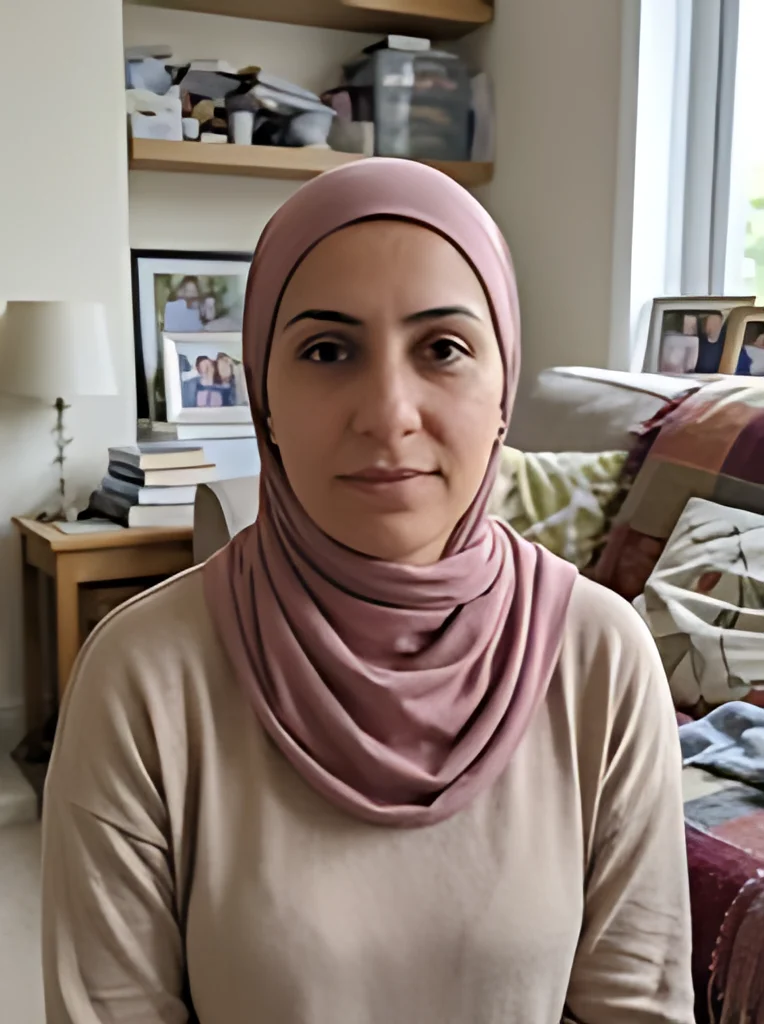 After
AfterWhat is AI super resolution?
Super resolution means building a larger image from a smaller one. The hard part is that many different sharp images shrink to the same small one, so the missing pixels can't be calculated. They have to be guessed.
AI super resolution makes that guess with a neural network. It has seen many pairs of sharp images and their degraded copies, so it predicts edges, textures and clean gradients that fit what is already in your picture. The result looks sharper than a plain resize, but the new detail is a prediction, not something the camera recorded.
How the super res model was trained
This page runs an open-source 4x model built for photos: every input pixel becomes a 4 by 4 block of new pixels.
It was trained on real-world damage rather than clean shrinking. The training inputs were blurred, made noisy and squeezed with compression, so the model learned to sharpen soft edges, calm noise and remove JPEG blocks while it enlarges. It is designed for ordinary photos, screenshots and web downloads with blur, noise and compression.
Why superresolution can run in a browser now
The model file is 2.4 MB, small enough to download into a web page. On the first run your browser also downloads about 28 MB of processing software, then caches both.
When your browser supports WebGPU, the network runs on your graphics card. Without it, the same model runs on the CPU through WebAssembly. Either way the math happens on your machine. Your image is upscaled on your own device and is never uploaded to our servers, and no AI service ever receives it.
What happens when you press Upscale
The whole pipeline, step by step. Every step runs in this browser tab.
- 1
Your file is decoded locally
Pick one JPG, PNG or WebP up to 20 MB. HEIC isn't supported, so export iPhone photos as JPG first.
- 2
The AI model loads
The first run downloads the 2.4 MB model and about 28 MB of processing software. Your browser caches them, so later runs start sooner.
- 3
The 4x network runs on your device
Your browser runs the model on your own computer or phone. On our test Mac in Chrome, a 382 x 512 photo took about 6 seconds at 4x, model startup included.
- 4
The result is sized to your choice
The model works at 4x, and the image is resized as needed to land on exactly twice or four times the original size; a large image may be shrunk before the model runs. A transparent background is scaled up on its own and put back on the result.
- 5
Compare, then download
Drag the before/after slider over faces, text and edges, then download the PNG. For a smaller JPG with white where it was transparent, turn on Save as JPG and press Upscale again.
Super resolution AI vs bicubic and nearest neighbor
Three ways to make an image four times larger, and what each does to the pixels.
| Nearest neighbor | Bicubic | AI super resolution (this page) | |
|---|---|---|---|
| New pixels come from | Copying the closest pixel | A weighted average of nearby pixels | A neural network's prediction |
| Edges at 4x | Hard, blocky steps | Smooth but soft | Sharp, redrawn |
| Noise and JPEG blocks | Enlarged as they are | Blurred and enlarged | Mostly cleaned up |
| Invents detail | Never | Never | Yes, plausible detail |
| Speed | Very fast | Very fast | A few seconds on our test Mac |
| Best for | Pixel art | Quick previews | Photos and screenshots |
Why run AI super resolution on this page
What you can check yourself, and where the model falls short.
The model is public
The upscaling model is open source, so anyone can inspect the code and the training method behind it.
Nothing to install
It runs in an ordinary browser tab: no app, no plugin and no account. The first run downloads the model and its processing software, which the browser then keeps.
Your image never leaves the device
Your image is upscaled on your own device and is never uploaded to our servers. Results aren't saved either: close the tab and they are gone, so download what you want to keep.
Output is a prediction
In our tests skin came out smoother than in the original, and tiny blurred text sometimes changed shape. Check the result on the slider before you rely on it.