
Waifu 2x
Waifu 2x style anime upscaling built on Real-ESRGAN's anime model, not the original waifu2x. 2x or 4x on your device, free, no sign-up.
or drop / paste an image here · JPG, PNG, WebP up to 20 MB
Runs in your browser. Your image is never uploaded.
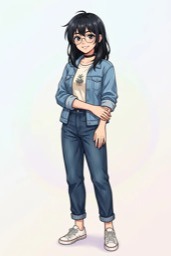
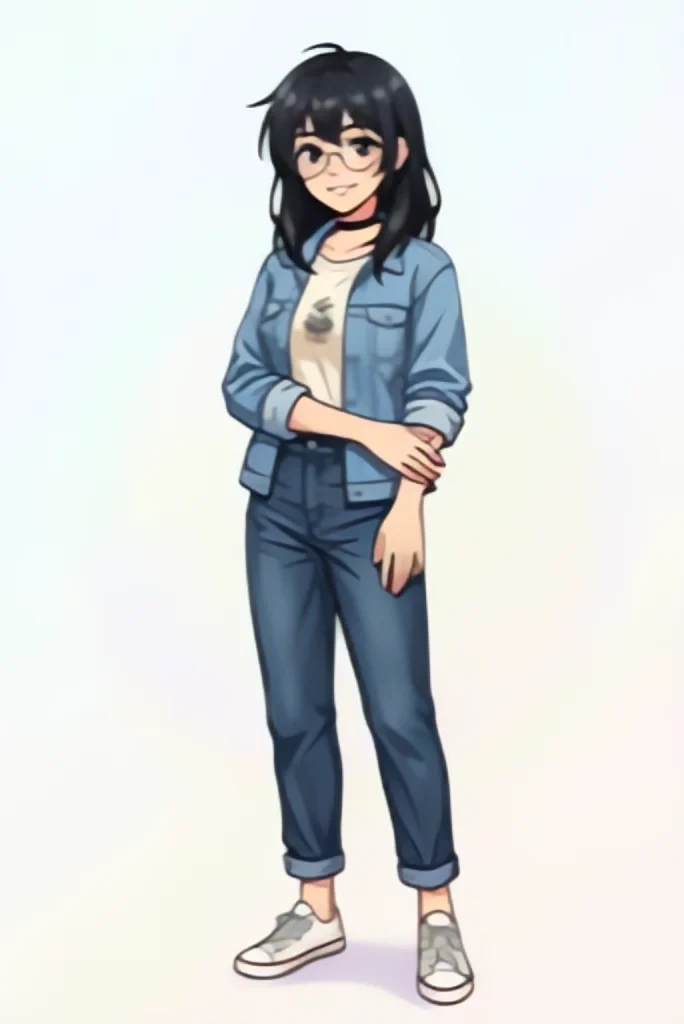 BeforeAfter
Examples
BeforeAfter Before
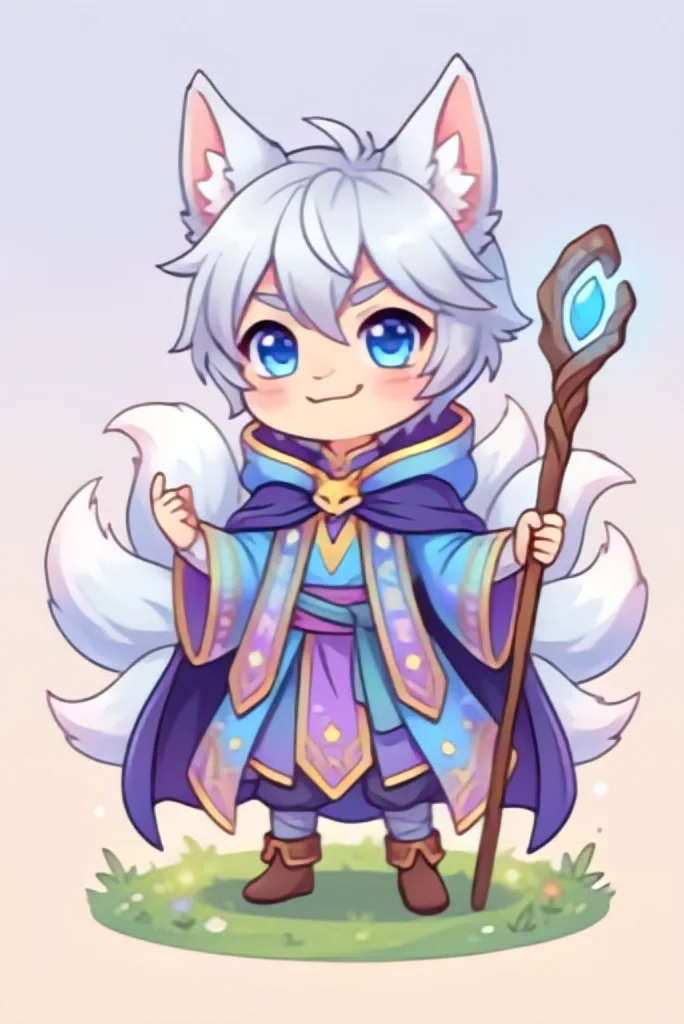 After
What waifu2x is, and what this page runs instead
Waifu2x is a separate open-source image upscaler by nagadomi, made for anime art. This page is a waifu 2x alternative, not waifu2x itself.
It runs Real-ESRGAN's anime model, a different open-source network with the same goal: enlarge anime and illustrations while keeping lines clean.
In practice this waifu 2x alternative enlarges your image to 2x or 4x. There is no separate noise level: the model cleans compression blocks as part of the upscale. Like any AI upscaler, it draws in detail it predicts, so compare the result with your original.
Original waifu2x vs this waifu 2x alternative
Three ways to upscale anime art online. What changes for you is the model and where the file goes.
| This page | Original waifu2x | Upload-based waifu2x sites | |
|---|---|---|---|
| Model | Real-ESRGAN's anime model | waifu2x's own neural network | Varies by site |
| Where your image goes | Stays on your device | Local or server-based, depending on how you run it | Uploaded; check the site's terms |
| File limits | JPG, PNG, WebP up to 20 MB, one at a time | Depends on the mirror | Varies by site |
| Source code | Model and runtime are open source | Open source | Check the site |
What people upscale with a waifu 2x alternative
Anime models are trained on flat colors and ink lines. These are the images they suit.
Anime screenshots
A frame grabbed from an episode is often small and full of compression blocks. A 4x pass gives you a larger still with cleaner outlines for edits or references.
Wallpapers for big screens
Character art saved from the web rarely fills a 4K monitor. Upscale it 4x with the waifu 2x alternative above, then check that faces and hair still look like the original drawing.
Fan art and illustrations
Artists can enlarge an old piece or a small export for a portfolio or a print test. The model keeps the drawn style rather than turning it into a photo.
Manga panels and pages
Black-and-white panels enlarge well when the scan is clean. Small lettering is the part to inspect, since the model can reshape tiny or blurry text.
AI-generated anime art
Images from anime-style generators often come out at modest sizes. A waifu 2x style upscale adds pixels without sending your prompt results to another service.
Stickers, avatars and transparent PNGs
Transparent backgrounds survive: the PNG output scales the transparency along with the art and puts it back. Choose Save as JPG only if you want a smaller file with a white background.
Get cleaner lines from a waifu 2x upscale
Small habits that make the biggest difference with anime and line art.
- Start from the largest, least compressed copy you have; the model cleans blocks but cannot invent the drawing that was lost.
- Crop away borders, watermarks or UI you do not need before you upscale, so the pixel budget goes to the art.
- Pick 2x when you only need a bit more size; it usually gives a smaller file than 4x.
- Drag the before/after slider over eyes, hair tips and thin outlines, where a waifu 2x upscale changes the most.
- Check speech bubbles and signs on the slider and in the downloaded file, because tiny or blurry letters can change shape.
- Check screentones and fine hatching in manga, since repeated patterns may come out smoother than drawn.
- Keep the default PNG for transparent art and for further editing; use JPG only for a final, smaller copy.
- Download the result before you leave the page, because nothing is saved for you.